Sharing of Results
Your backtests are private by default. Enable Sharing to let others open a particular run using its URL. Only the owner can change its sharing setting.
Share a backtest
- Open your run from MesoSim Backtests.
- On Overview, turn on Sharing. The switch is available once the run has finished or failed.
- Copy the page URL from your browser and send it to the people you want to share it with.
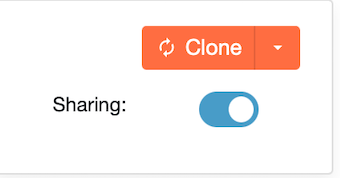
Sharing applies to this run. Your other backtests keep their own sharing settings.
What viewers can see
In the retail Portal, anyone with the URL can view the shared run's Overview without signing in. Signed-in viewers can inspect detailed results, including Events and Strategy Definition, and use Clone to start from the shared strategy. Institutional portals require sign-in to open shared runs.
Sharing therefore makes the strategy definition available along with its results. Use Backtest Results for a guide to the tabs, or Clone to explore a shared strategy by changing one thing at a time.
Stop sharing
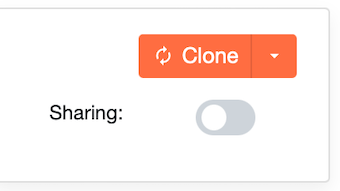
Open the run's Overview and turn off Sharing. Other people can no longer open the original run through its URL; it remains available to you.
Share portfolio results
For a combined view of multiple strategies, see Sharing portfolios. Sharing a portfolio does not automatically share its component backtests; enable sharing on those runs if viewers should be able to open them too.
For strategy examples to discuss and adapt, explore the Strategy Library and the Deltaray blog. Learn more about Deltaray and MesoSim.